
Social Media Automation for Small Business: What to Buy
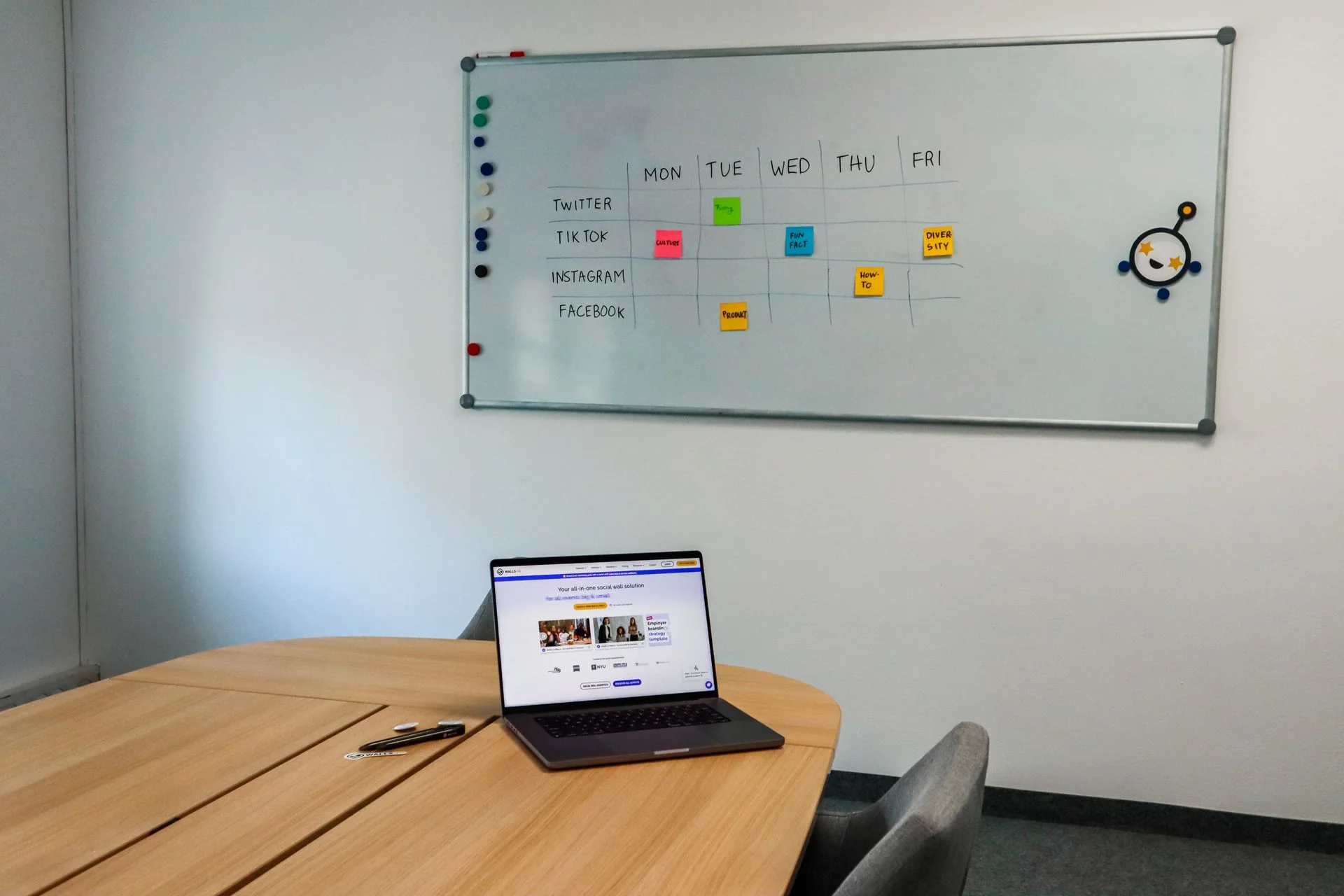
Choose social media automation that solves your actual workload. Compare scheduling, content production, and inbox handling with a practical two-week trial.
The social calendar is full, but the owner still spends Sunday writing captions and Monday answering old messages. Social media automation for a small business should remove a specific piece of work, so start by deciding which part of that week you are paying to change.
Separate publishing, production, and response
These jobs often appear in one software pitch, yet each solves a different problem.
Publishing moves approved material onto the correct channel at the intended time. Production turns your facts, photographs, and footage into something worth posting. Response handles the customer questions and requests that arrive afterward.
A scheduler can help with publishing while leaving production untouched. A content service can deliver a folder of assets while leaving the inbox untouched. A response system can improve handoffs while having nothing to do with your posting calendar.
Write down the last five times social work stalled. Was there no usable footage? Did an owner delay approval? Did a post need manual publishing? Did a promising inquiry sit unanswered? That small record is a better purchasing brief than “we need more automation.”
Match the tool to the unfinished work
Use this comparison to choose a starting point:
| Situation | What to evaluate | What the trial must show |
|---|---|---|
| Approved posts sit in a folder | Scheduler | Correct channel, format, and publication |
| Nobody has time to create posts | Production service | Usable output from your real source material |
| Several people edit the same post | Approval workflow | Clear draft, reviewer, and approved version |
| Questions wait in DMs | Inbox workflow | Accurate response and timely human handoff |
| Leads arrive but are not logged | CRM connection | One usable record with a clear owner |
For a concrete software reference, Buffer’s pricing page lists a free plan with three channels and ten scheduled posts per channel. Essentials starts at $5 per channel per month on annual billing, while Team starts at $10 and includes approval workflows. Check the current calculator and channel support before subscribing.
Those plans illustrate the publishing purchase. They do not establish what another vendor charges, or what it costs to produce original content for your business.
Run a two-week trial with your actual material
Choose two channels your customers already use and one service you want to promote. Gather a small set of approved photos, a short explanation from an operator, current hours, and a clear next step.
For this illustrative trial, create four useful posts across two weeks. One can answer a common pre-booking question, one can explain the work process, one can show permitted evidence from a completed job, and one can clarify when the service is appropriate.
Set a review time before the first publication. The reviewer should be able to see the final caption, image or video, destination link, channel, and scheduled date together. A caption approved separately from its image can still produce a misleading combination.
Keep the trial log short:
- Minutes spent gathering material and writing.
- Minutes spent reviewing and fixing.
- Posts published as intended.
- Publications requiring an unexpected manual step.
- Qualified questions and who answered them.
- Bookings or other business outcomes that can be traced back.
The trial’s purpose is to expose the remaining workload. A system that reduces scheduling time by twenty minutes but adds an hour of corrections has not met the owner’s original need.
Verify format support before buying the plan
“Supports Instagram” is not a complete specification. Ask whether your account type, chosen post format, audio, tags, and other required features work through automatic publishing or a notification that asks a person to finish the post.
Buffer’s plan comparison distinguishes automatic and notification publishing by channel and profile type. Its queue-limit explanation also clarifies that the free ten-post limit is the number waiting in the queue, not a monthly publication allowance.
Test the exact format you expect to use every week. A simple image posting successfully does not prove a more complicated video workflow is covered. Have the provider show how a failed publication is detected and who receives the alert.
If you need several staff members, add a permissions check. A reviewer should be able to approve work without accidentally gaining control over account ownership or billing. The trial should also show how access is removed when a staff member leaves.
Keep the business facts attached to the content
Automation repeats mistakes efficiently unless the source material is maintained. Create one approved reference for hours, service areas, booking links, prices, and claims the business can support.
Every post involving one of those facts needs a way to trace it back to that reference. When a price changes, identify which queued posts, saved replies, and landing pages use the old number. An owner should not need to discover the mismatch from a customer complaint.
Use real work where the post presents evidence. Get permission for identifiable customer material, and avoid implying that a generic image depicts a job your team completed. A useful process video can be filmed without exposing a customer’s address or private information.
If production is the part you want someone else to own, read the AI content creation services guide. It explains the brief, review process, and deliverables to request before approving an ongoing package.
Connect the published post to an answered inquiry
Choose the destination before publishing. A post can direct someone to a service page, a booking form, a phone line, or a permitted messaging interaction. The destination should preserve the promise made in the post.
For Instagram, the DM automation guide explains the broader inbox setup. A comment-to-DM flow needs specific handling; a public comment does not itself authorize an unlimited sequence of private follow-ups.
Manychat’s official comments-trigger documentation says the first private reply does not open the 24-hour messaging window. A qualifying interaction with that message is needed before the conversation continues. Treat the platform’s restrictions as workflow requirements.
If customers prefer WhatsApp, use the WhatsApp automation guide to evaluate that channel separately. Do not copy the Instagram timing logic into every inbox.
Decide what should stay with a person
Use automation for routine actions whose correct outcome is defined. Keep a person responsible for disputed facts, unusual requests, complaints, and promises that require operational judgment.
Write a few routing rules before enabling public replies. A question about listed opening hours can use an approved answer. A complaint about an unfinished job should reach the person handling that job. An uncertain price should become a request for the information needed to quote.
The handoff needs an owner and a deadline your team can actually meet. “Someone will contact you” is weak when no one receives a task. Record the customer’s request, channel, promised next step, and the staff member responsible.
Compare a subscription with a maintained service
Mainvoice separates these scopes. Content Engine covers production and scheduling from your footage and approved facts. Social Concierge covers messaging and comment response with human review. Establish which problem is costing you time or qualified work before choosing either.
Compare the total operating cost: software, production, review time, response time, and maintenance. If an illustrative setup costs $150 a month and saves three staff hours valued at $30 each, the time saving alone is $90. It needs another justified benefit to cover the remaining expense.
Use the same discipline when measuring sales. Track additional completed work and contribution after delivery costs. Do not assume every booking after a social post was caused by that post.
Bring your current weekly process and one example of unfinished social work to a free Strategy Call. We can help identify which purchase would remove the delay.
Frequently asked questions
What should a small business automate on social media first?
Choose the work that creates the largest recurring delay. Use scheduling when approved posts are ready but do not get published. Consider production support when content never gets made, and inbox automation when customer inquiries are waiting.
Is a free scheduling tool enough?
It can be enough for a small publishing queue if someone still creates and approves the content. Check connected-channel limits, queue size, supported formats, and whether a post will publish automatically or require a reminder.
Will publishing more often automatically increase sales?
No. Useful content, the right audience, a clear offer, and a working response process all affect results. Measure qualified inquiries and completed work alongside publishing activity.
Should automated replies handle every comment?
Use approved factual answers for routine questions and route uncertainty, complaints, and sensitive situations to a person. A public reply needs particular care because customers other than the original commenter can read it.